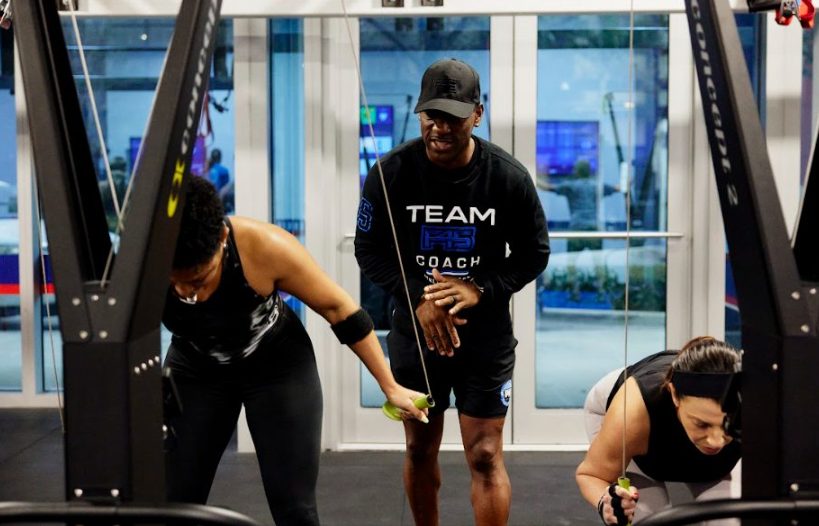
We’ll dive into resting heart rate and HRV (heart rate variability), how wearables and tracking monitors provide a valuable insight into overall heart health.
READ MORE
Did You Know Your Membership May Be HSA / FSA Eligible? Learn How to Submit for HSA / FSA Reimbursement.

Train with purpose. Track your progress. Unlock your potential.
F45 TRAINING LIONHEART
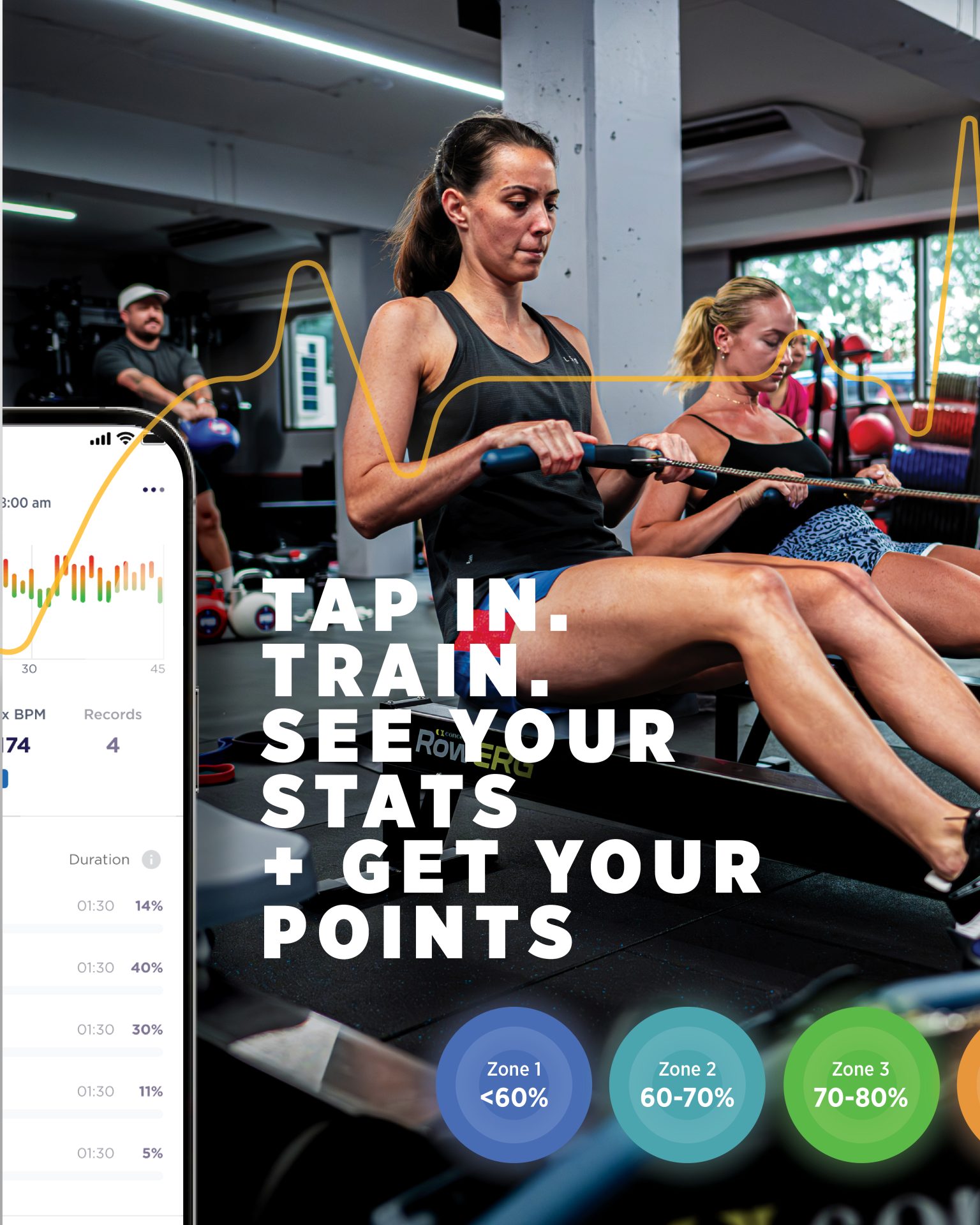
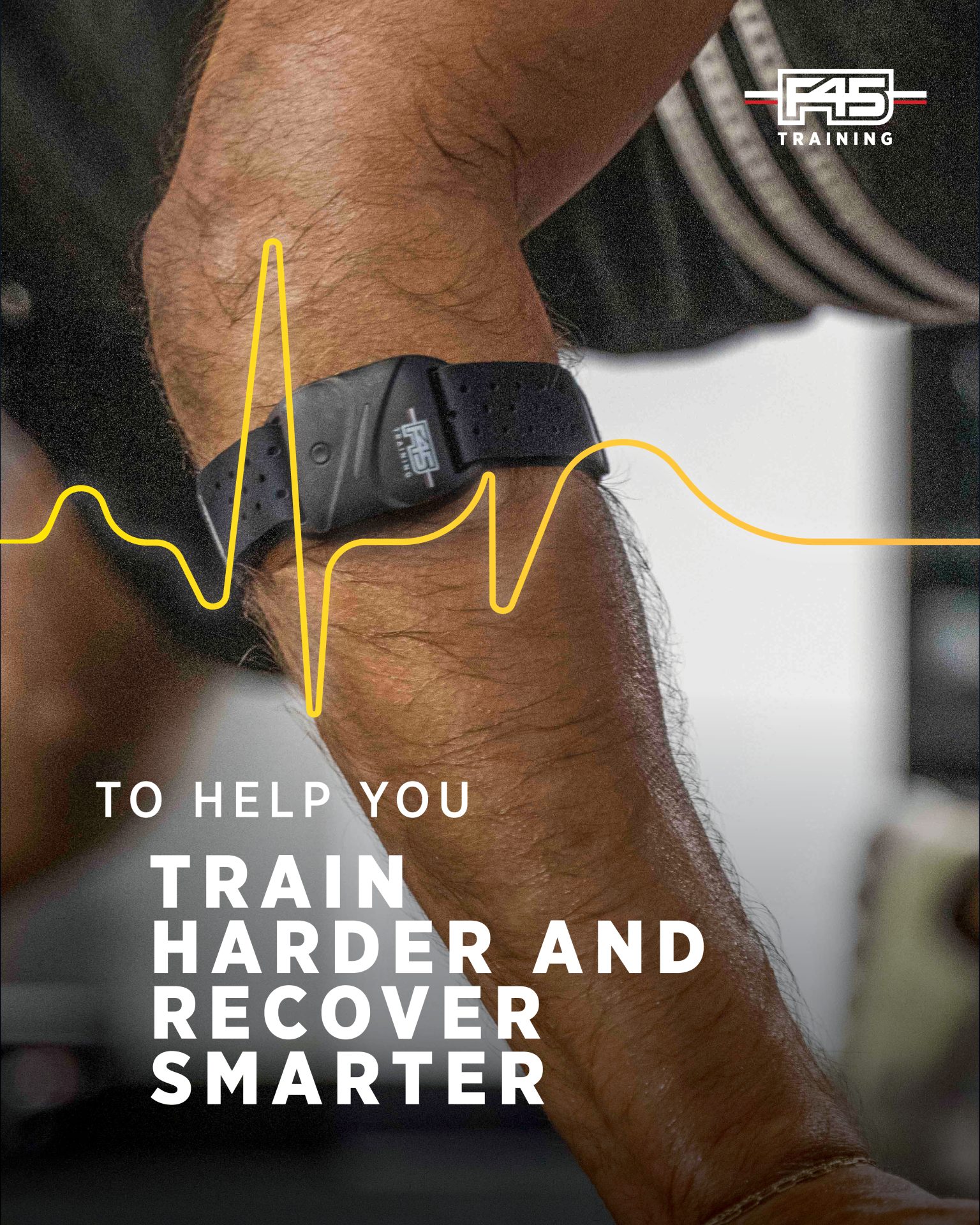
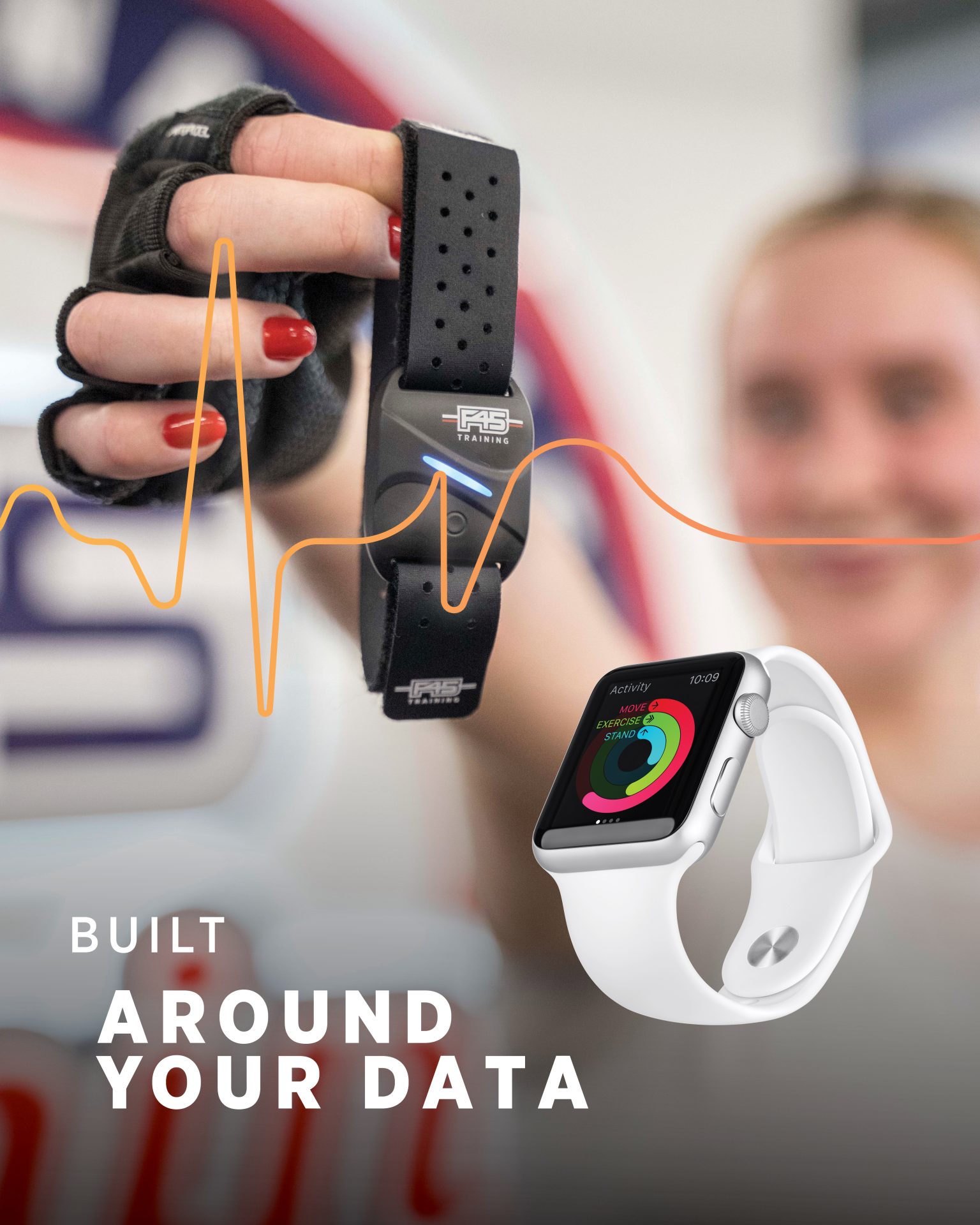
LionHeart is more than a heart rate monitor. It’s a unique algorithm tailored to you, that shows you how hard you’ve worked in every single workout to help you get the most out of your F45 Training membership.
Take your workout to the next level
THE F45 LIONHEART ECOSYSTEM
It’s a personalized, F45 Training-optimized ecosystem designed around your goals, your data, and your journey.
Every workout feeds your progress. Every report teaches you something.
Whether you use the F45 Lionheart band or sync Apple Health workouts, you’re seeing every class count toward something bigger.
THE F45 LIONHEART ECOSYSTEM
YOUR PERSONALIZED EFFORT SCORE
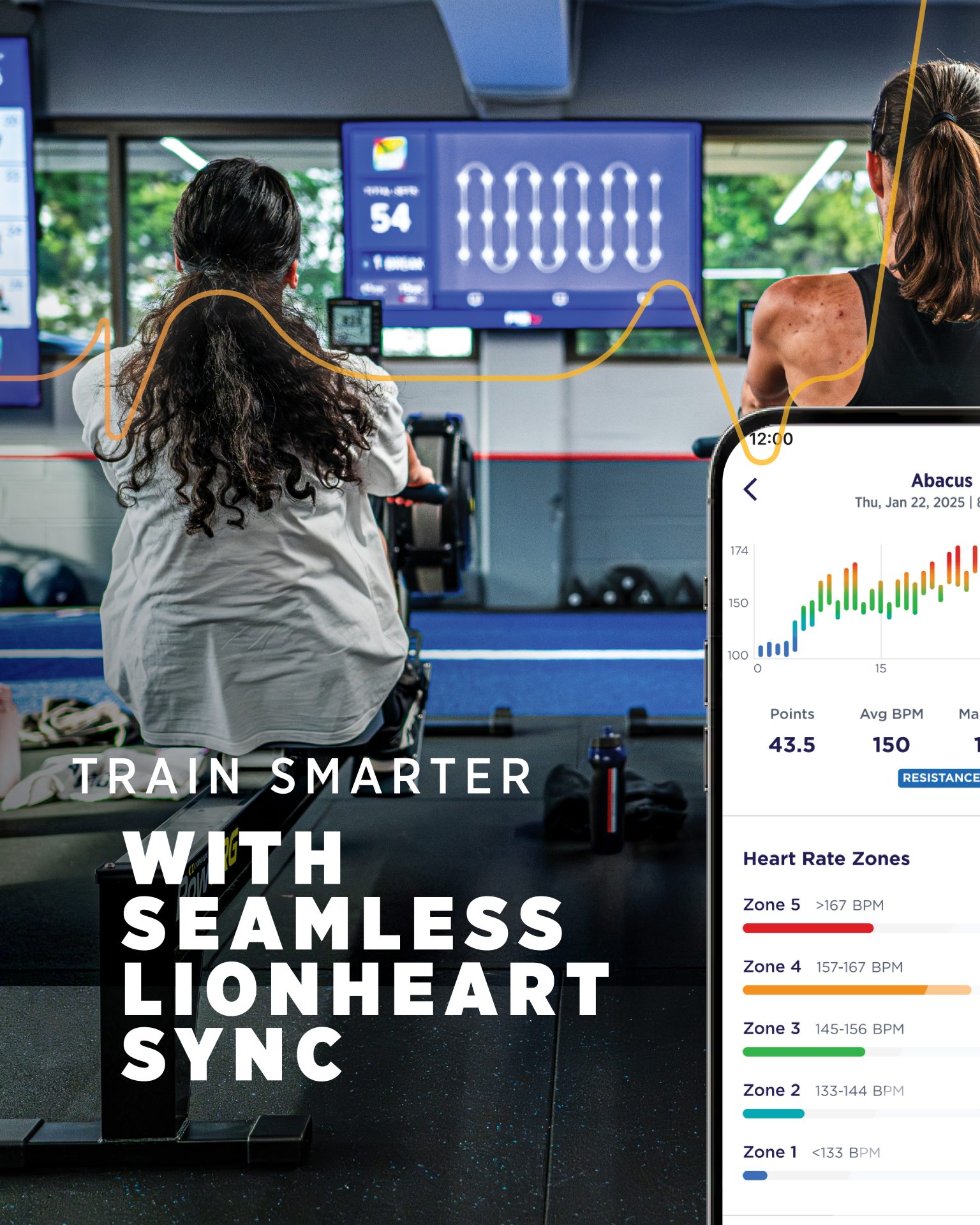
LionHeart Points aren’t just numbers, they’re a personalized score of how effectively you’re training—based on your unique cardiovascular profile.
Built around you using three key industry-standard metrics as the foundation for the algorithm.
- Resting Heart Rate
- Max Heart Rate
- Heart Rate Reserve
UNIQUE WORKOUT TARGETS
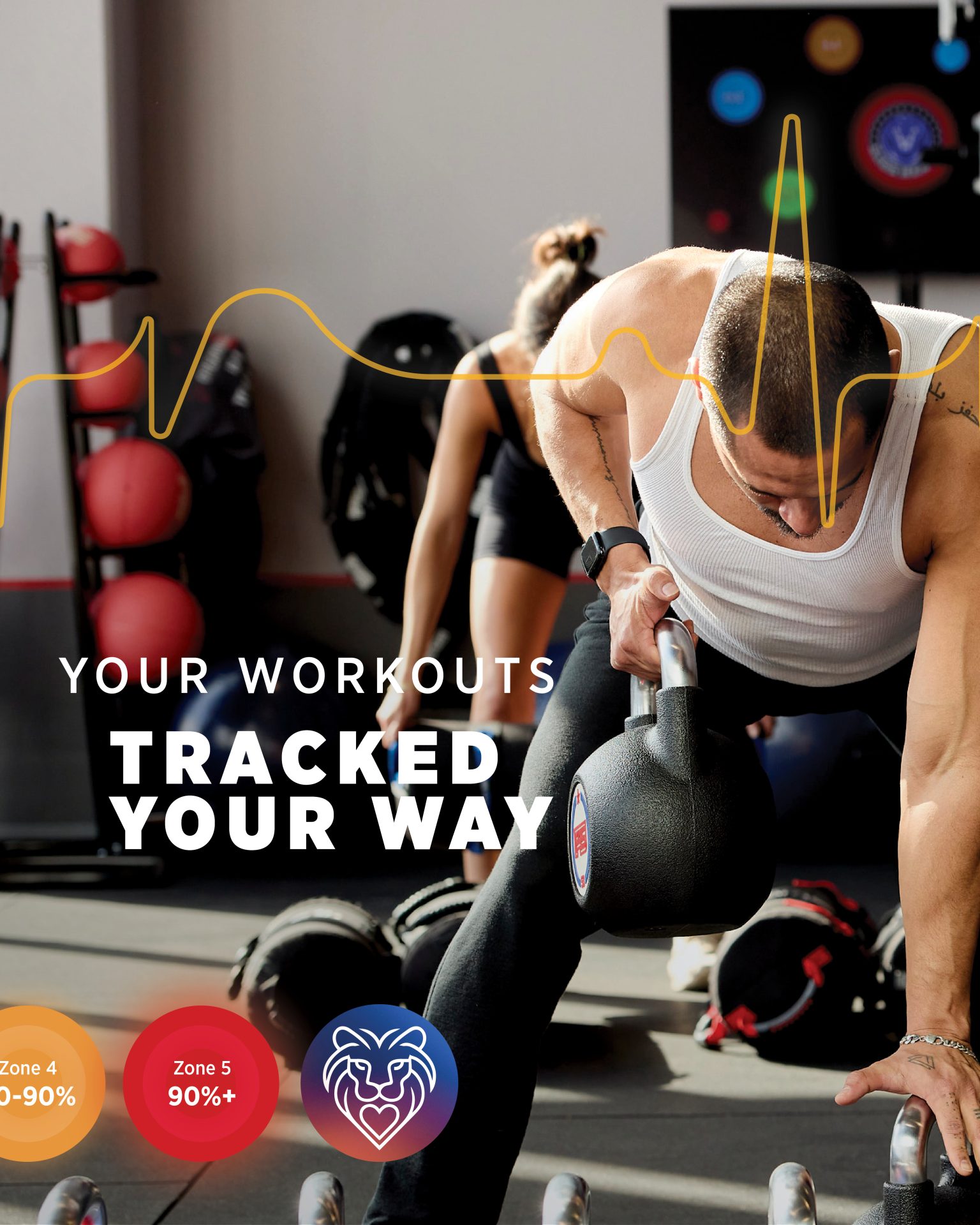
Each workout has a unique target heart rate % which is tuned to the workout theme and style. The goal is to get 45 Points per regular 45 min class (or 60 points for a 60 min class).
This means that to accumulate 45 points, your colored tile should typically be green or higher throughout the workout.
Find out more on F45’s class types and how to approach them.
A FULL REPORT. AFTER EVERY WORKOUT.
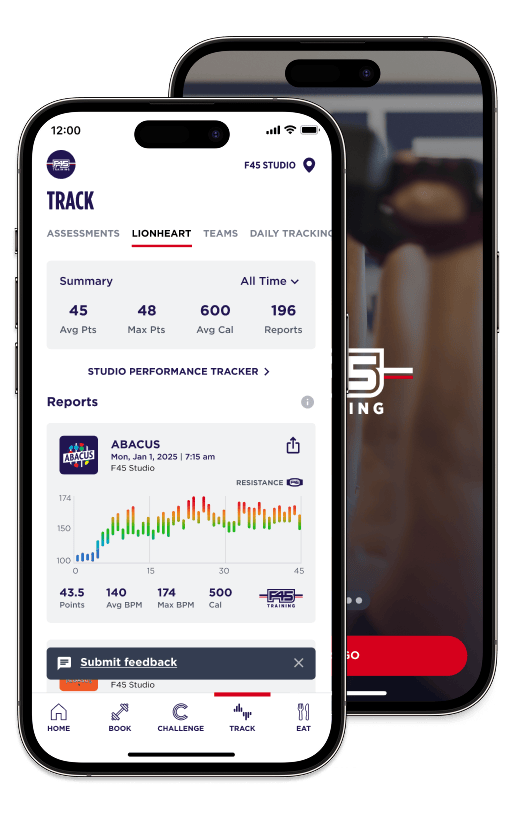
Every class generates a detailed LionHeart Report, delivered straight to the F45 Training app, showing you insights including:
- Heart Rate Zone breakdowns
- Heart Rate Summary Stats
- LionHeart Points Earned
- Personal Records
- An estimated caloric burn
Bonus: Get reward points every time you submit a LionHeart Report—just for showing up and giving it your best.
APPLE WATCH INTEGRATION
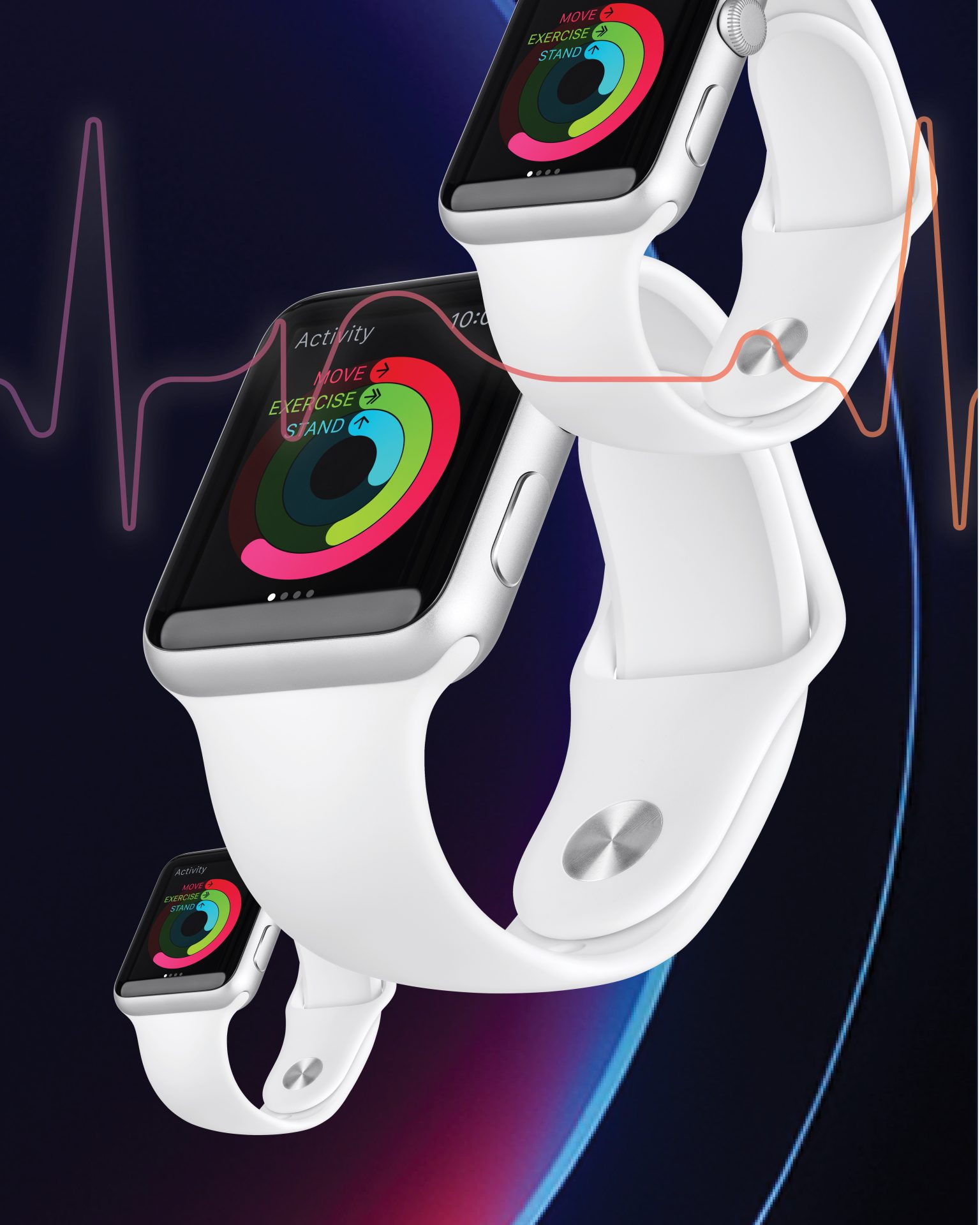
Connecting your Apple Health to the F45 Training app allows you to see your Apple Watch workouts as Lionheart reports in the Track > LionHeart area of the app.
-
Open the F45 Training app on your iPhone.
-
Go to Settings > Lionheart > Add Device
-
Tap the Apple Health Device option
-
Your iPhone will ask for permission to access health data. Allow all permissions to ensure proper syncing.
Learn more at our Lionheart Apple Health FAQ
TEAM TRAINING
LIFE CHANGING
TEAM TRAINING
LIFE CHANGING
TEAM TRAINING
LIFE CHANGING
TEAM TRAINING
LIFE CHANGING
TEAM TRAINING
LIFE CHANGING
TEAM TRAINING
LIFE CHANGING
GET STARTED TODAY
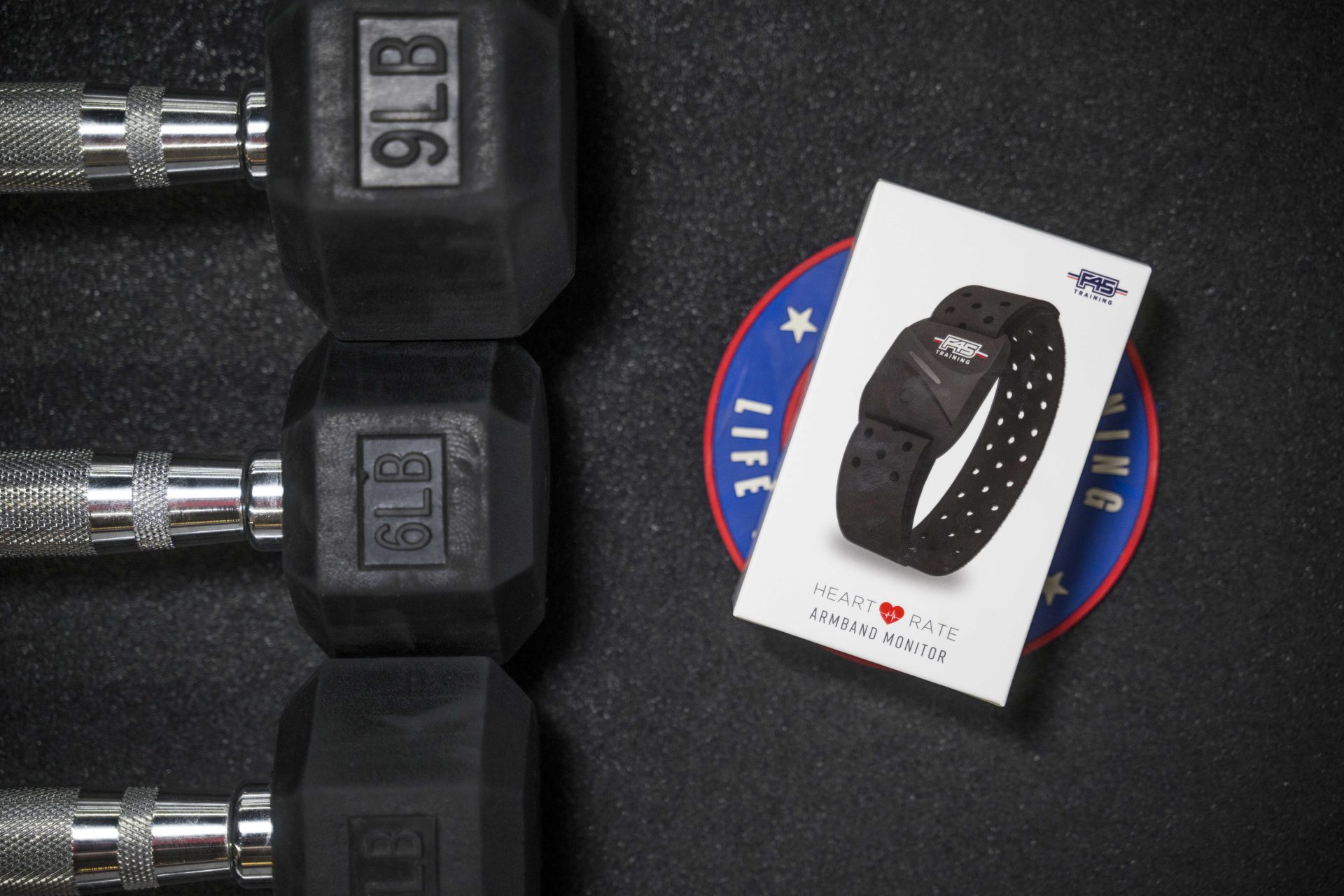
Ready to maximize your workouts with F45 LionHeart? Talk to your local studio about purchasing a LionHeart device today.
Already have a device? Download the F45 Training app now to activate it and get started!